> For the complete documentation index, see [llms.txt](https://docs.bloks.io/llms.txt). Markdown versions of documentation pages are available by appending `.md` to page URLs; this page is available as [Markdown](https://docs.bloks.io/wallet/transfer/multi-transfer.md).
# Multi transfer
## HOW TO TRANSFER MULTIPLE TOKENS
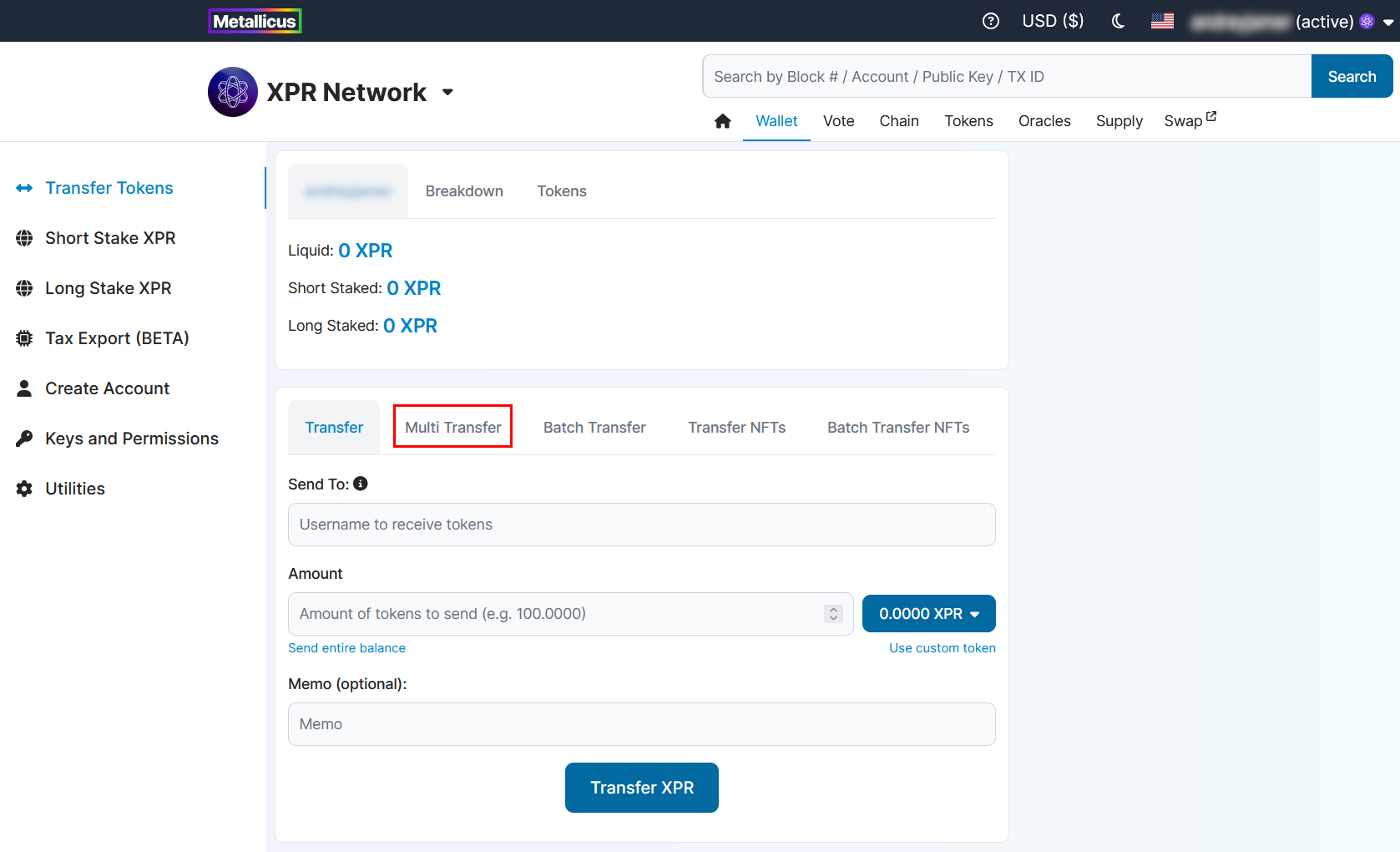
### 1. Go to Wallet → Transfer tokens page
### 2. Switch to Multi transfer tab in top menu of the page
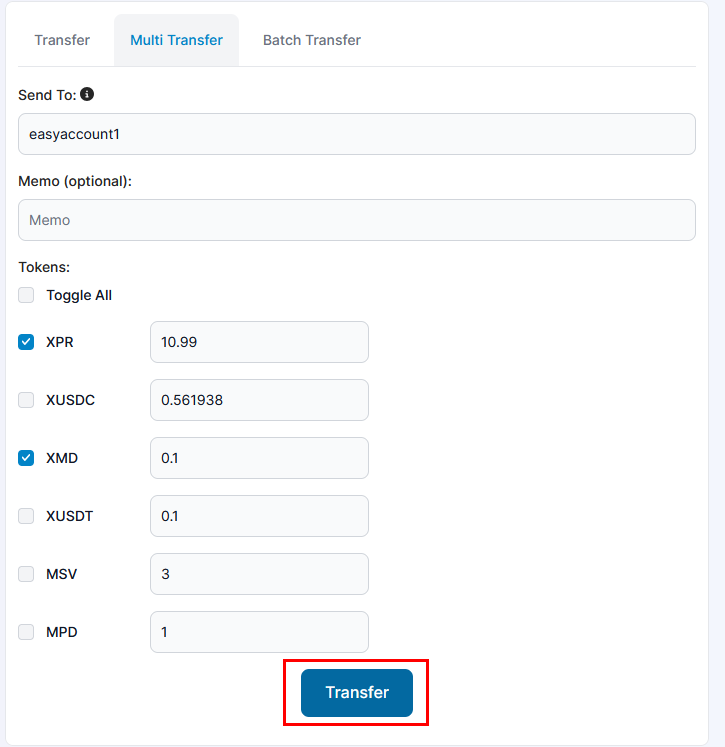
This page has 2 fields for you to fill in;
* **Send To** - Username to receive tokens.
* **Memo (optional)** - You can send a memo with your transfer.
### 3. Select tokens you want to transfer and put the amount in front of each selected token.
### 4. Click Transfer button